Build a custom cinematic look, preview it live on the moving clip, then export a standard .cube LUT — or render the look straight onto your video.
Every frame below is a real photo graded with one of LumKit's own .cube LUTs — the exact color transform the app exports.
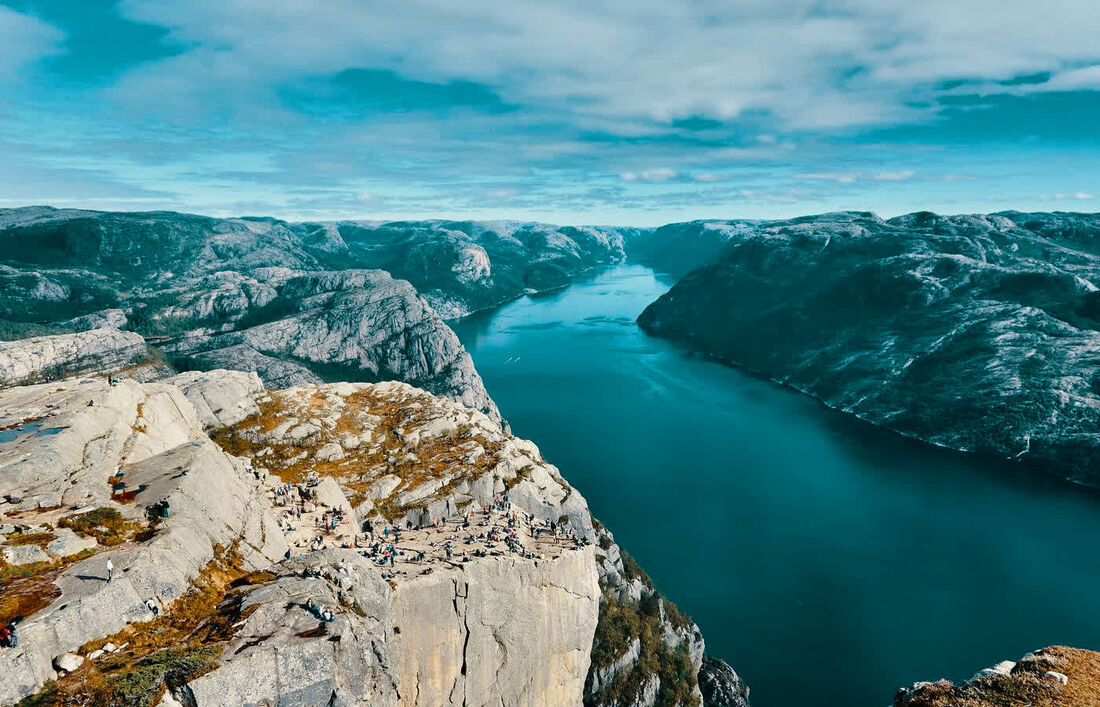
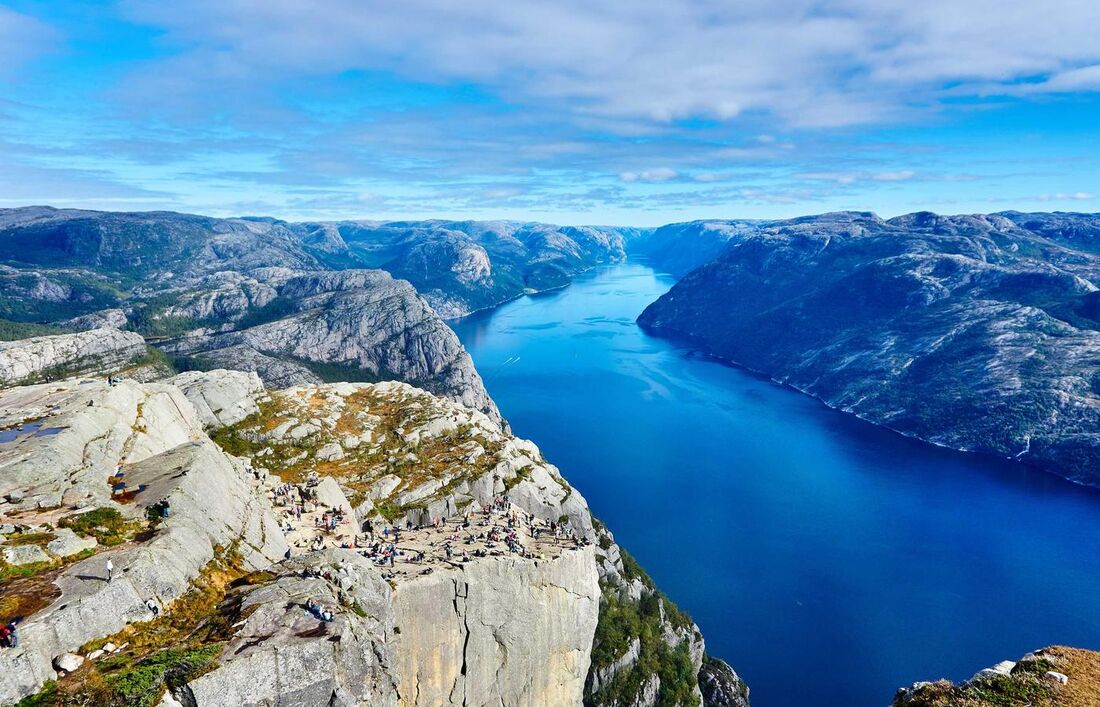
.cube color transform only — no timeline, no layers, no masks.
Everything you need to craft a grade and get it onto your footage. Nothing you don't: no timelines, no masks, no layers.
Choose your footage and a reference image, then LumKit builds a local color match you can refine with the same precise controls. Adjust match strength, protect natural skin tones, and export the look you approve.
Your video plays back with the LUT applied per frame — the exact same color pipeline used for export. What you see playing is what you get. Hold to compare against the ungraded clip, and scrub to any moment.
Generate valid 17³ and 33³ LUT files — 65³ on Pro. Drop them into any compatible color workflow.
Cinematic, film, portrait, travel, social and Apple Log starter looks — tuned for real footage, ready to refine.
Dial in saturation, contrast, temperature, tint, highlights, shadows, fade and intensity with mono-precise readouts.
Bake the graded look into your full clip — a single-clip render with audio preserved, saved straight to Photos and ready to share. Progress and cancel included, no timeline required.
Bring in a photo or a video. Video previews live in the editor — pick any frame to grade against.
Start from a preset or build your own. Tune the parameters and watch the clip update in real time.
Ship a .cube LUT, an applied photo, or render the look onto your full video.
Pick the output that fits where your footage is going — from a portable color transform to a finished clip.
A standard color-transform file at 17³ / 33³ / 65³. Color only — use it in compatible color workflows.
Your still rendered with the look baked in, matched to the preview. Save to Files or send it straight to the share sheet.
A single-clip render of your look onto the full clip. Original duration and audio preserved, saved to Photos.
Free to create looks and export LUTs. Go Pro for full-clip video render, 4K output, Saved Looks and 65³ grids.